
AI Hallucinations: Why Artificial Intelligence Gets Things Wrong (And Why It’s Not a Bug)

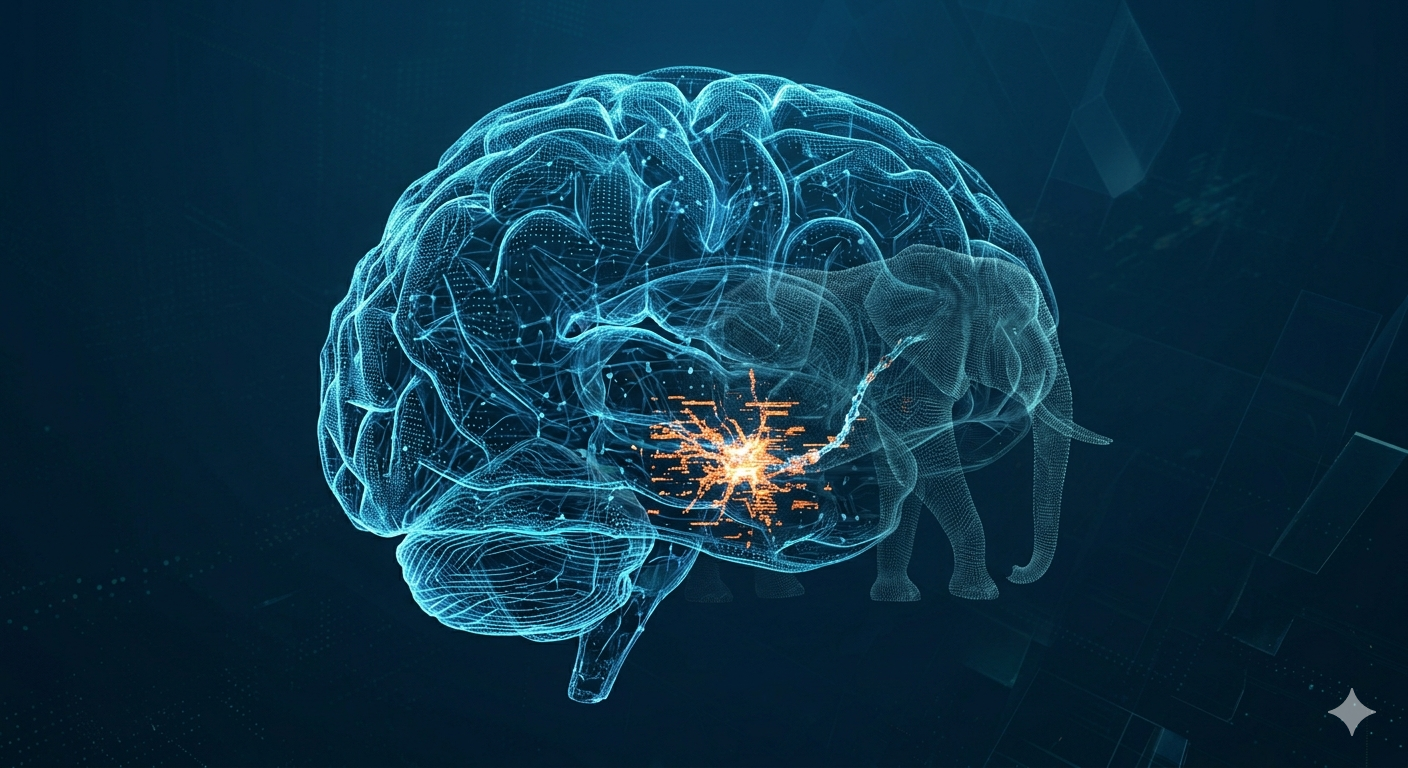
This text was written by a human assisted by an genAI to standardize the tone and spelling of the content. All information has been validated by human experts in the field. The header image was generated by an genAI from the author's prompt.
So far, we've seen the definition and operation of genAI. However, we haven't yet talked about the elephant in the room. «But why on earth do genAI hallucinate mindless answers?» Unfortunately, it's not a bug as such, but rather a consequence of various factors. I propose to explore them and give you a trick to try and get around the problem slightly.
The cause of artificial hallucinations in conversational agents
It's important to remember that genAI are, in the final analysis, nothing more than a statistical model trained to produce something harmonious and fluid. GenAI don't know the meaning of words as such. It's also important to remember that not all genAI are born equal. Microsoft Copilot and Google Gemini have access to their respective search engines (Bing and Google Search), unlike a system like Llama (from Meta), which focuses solely on its trained LLM. The distinction can be seen a little before generation on Gemini and Copilot when they perform a search before responding.
It's also important to note the size of the model. A model with four billion parameters is more likely to hallucinate than one with two hundred and fifteen billion. The main reason for this is that larger models have a wider distribution. The risk of error is therefore smaller on a larger number of neurons.
Another source of hallucination comes from the inconsistencies of the prompt itself. Asking «Is the capital of Paris Versailles?», for example, risks confusing the genAI in the same way as you might confuse a human being with a question that's bound to fail. We'd probably like to see an answer like «Paris is a city, not a country, and it's the capital of France», but in a context like that, when even a human will have difficulty understanding you, don't blame the machine for not grasping the meaning of the question and trying its best to make an answer that seems to make sense.
Another danger comes from the fact that genAI have been trained to be cooperative, which sometimes leads to «over-validating» the user, known as «complacency bias», or «confirmation bias». Now, if the user writes a bunch of nonsense, the genAI, through its training, will want to make its user feel like a revolutionary genius. This is part of the «personality» acquired by training the machine. You can, however, negate this personality trait by adding to your prompt that you want the genAI to act as an expert and do some fact-checking. This doesn't completely eliminate hallucinations, but it does help to reduce them.
There's another factor too. You may have noticed the different conversation modes (which are sometimes locked behind a paid version in contrast to the free version). Among the modes prevalent on many models, we'll have «Quick» (which is usually the free genAI mode), «Reflection», «Learning», «Code» and «Professional». There may also be other modes, depending on your preferred genAI.
The mode most prone to hallucinations is the fast mode. This mode, for reasons of performance and cost, simply generates its list of tokens, with no real regard for the content. The aim is not to make a coherent sentence about the content, but to generate a professional-looking sentence.
The reflection mode, on the other hand, takes much longer to respond. It is also more resource-intensive. Even though the agent will launch an output token list, he has still taken the time to check whether the content is related to the request by adjusting the weighting based on sources specifically related to the requested topic. He's not immune to inconsistencies, but modulating his response instead of responding immediately gives him an edge on the quality of the output.
However, whatever the mode, whatever the size, there's always a risk of hallucination. In 2026, researchers at Tsinghua University in Bejing succeeded in demonstrating that certain neurons (which the researchers in the article called «H-neurons», a term now used in recent literature) are responsible for these hallucinations. As mentioned earlier, in the larger models, the total amount of neurons dilutes the influence of these «hallucinating» neurons, which the smaller models cannot. The weight of these specific neurons comes from two key factors. The training data, but also the training itself, which punished the machine for answering «I don't know» in favor of a randomly constructed answer with no factual validation.
How can I reduce the risk of hallucinations?
Unfortunately, there's no magic bullet. There are, however, a few tricks that can be applied. They're not available for every genAI, but see which ones apply to you.
The temperature of creativity and complacency
If you're in a genAI that runs locally, or in a service like «AI Studio», you have access to set the degree of creativity, and sometimes even that of «I must please the user at all costs». This is generally a value ranging from 0 to 1 (in other words, 0% to 100%).
A creativity temperature of 0% means that the AI will systematically return the most probable answer, with no variation in its output. However, this also reduces the fluency of the text, which is likely to be more «robotic». On the other hand, 100% means that the AI has the right to be very creative, which can lead to «surprising» results. Find the right compromise between the two. Generally speaking, a value between 0.6 and 0.7 gives good results.
If your system allows you to adjust the temperature of the H-neurons (trained not to answer «I don't know»), you can go as low as 0.1. It's not advisable to set these neurons to 0, as they still have a stake in generating the response, but they will be less noisy, mainly on smaller models.
Giving back the right to answer «I don't know» with the prompt
When using a public agent (ChatGPT, Copilot, Gemini, DeepSeek, Grok, Claude, etc.) and not creating a custom agent, it's still possible to reduce the involvement of H-neurons with a simple addition to the prompt. As the beginning of the prompt always carries more weight than the end, try adding a sentence similar to the following to the beginning of the prompt: «Always remain factual by giving your sources. Answer «I don't know» if the uncertainty rate exceeds 5%. Here's the question: {...}», and change the {…} by your question. That changes everything and makes it a more reliable working tool. Even if he gives you his sources, make sure they're real sources (because they can be hallucinatory, especially with less reliable models who don't have access to real research).
Use the Persona/Intention/Style (PIS) form or four pillars (Persona/Task/Context/Format)
When creating a custom agent (Copilot-Agent, Gemini-Gems, etc.), the creation mode will ask you to define your agent. The most common model forces you to define the persona, the intention and the style. Microsoft Copilot suggests three pillars, while Google Gems suggests four.
Persona (sometimes called profile): The «Who» is defined. The AI is given a role. This often includes the agent's own work profile (profession, responsibilities, etc.), so that it understands the context of the interlocutor. This is what the genAI must try to simulate.
Intention/Task (sometimes called the objective): This is the «What». This is the heart of the query. The purpose of the interaction (summarize, code, plan) is specified here, so that the AI correctly detects the task to be accomplished.
Style/Format We define the «How». Essentially, we give instructions on how the answer should be formatted. Do we want a short sentence, a table, bullet points, a formal tone, an outline, an essay, etc.?.
Context This is the «Why». When you look at the definition, it also includes the «to whom» the answer is addressed. It's sometimes difficult to distinguish from the profile and the intention. Although it adds precision if mentioned separately, it may well be part of the intention.
Configuring an agent in this format is an operation we only need to perform once (at agent definition), but there's nothing to stop you using the same principle in an independent prompt.
Here are three examples of PIS definitions. For these examples, the persona will be underlined, the intention in bold and the style will be in italics. Note that it's not necessary to add the words persona, intention and style to the prompt. Some people do this mainly to help human beings who need to make adjustments afterwards. Also note that the context is not identified, but that it is possible to locate it in the persona or in the intention/objective.
Example 1 - directly in the prompt: «As an experienced technician, explains the company's good manufacturing practices to a trainee just starting out in the business. Answer with short bullet-point sentences giving the right steps to follow. Also give reference examples with explanatory video links. If the uncertainty exceeds the 5% threshold, indicate that you don't know the precise answer and give them reference links so that they can try to find the answer for themselves. The question is: {...}»
Example 2 - using labels to create agents: «Persona: You're in charge of training new employees. Objective: Don't give direct answers, only references where they can find the answers to become autonomous.. Style : In table form, give the title of the documents, where it can be found, and a short summary of the general content. Never state the answer directly to their question.»
Example 3 - without label in agent creation: «As an IA agent to help verify deliverables, your objective is to list the items to be checked for each deliverable, according to the nature of that deliverable. Help the user by proposing a list of items to check. Validate with the user the type of deliverable when it is not mentioned and your uncertainty exceeds 20%.. Give an initial list of points to check and accompany him by asking questions about each step to validate that the checks have been carried out correctly until each step has been successfully validated.»
In general, if used in an independent conversation (Gemini, ChatGPT, Copilot), indicating it at the start of the conversation is sufficient if the conversation is short. As soon as the agent starts to hallucinate again, it's important to bring it back to order by reminding it of its PIS or starting a new conversation (in the event that it hallucinates by getting tangled up in its own memory). In the case of personalized agents (GEMS, Copilot Agent), the agent is constantly reminded of this by its configuration, so there's no need to remind it.